About half the section plays on a phone, and the split has nothing to do with the age of the games — it is about how many keys they need. Where a d-pad and two buttons are enough, in platformers, shoot-em-ups and arcade titles, a thumb copes. Where the game wants an exact cursor, six buttons or a mouse for looking around, in strategy, fighting and 3D shooters, you end up fighting the controls instead of the game.
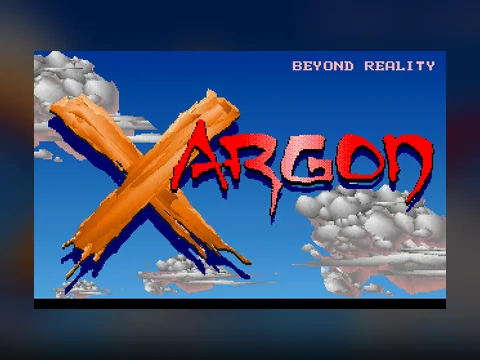
The easiest way to see it is to open something light: start Xargon on a phone and watch the pad appear under the screen.
On this page
Short answer
- The pad builds itself once the game starts: a d-pad on the left, action buttons on the right. Presses reach the emulator as real key events.
- Mouse-driven games get no pad. Your finger is the cursor instead: drag to move it, tap for a left click. There is no right button.
- The Keyboard button opens the phone's system keyboard for names, codes and text games.
- DOS games are 4:3, so in portrait the picture is half the size it could be. Turn the phone and use fullscreen.
- Platformers, shoot-em-ups and arcade games work with a thumb. Mouse-look shooters, fighting games and strategy do not.
How the touch controls are built
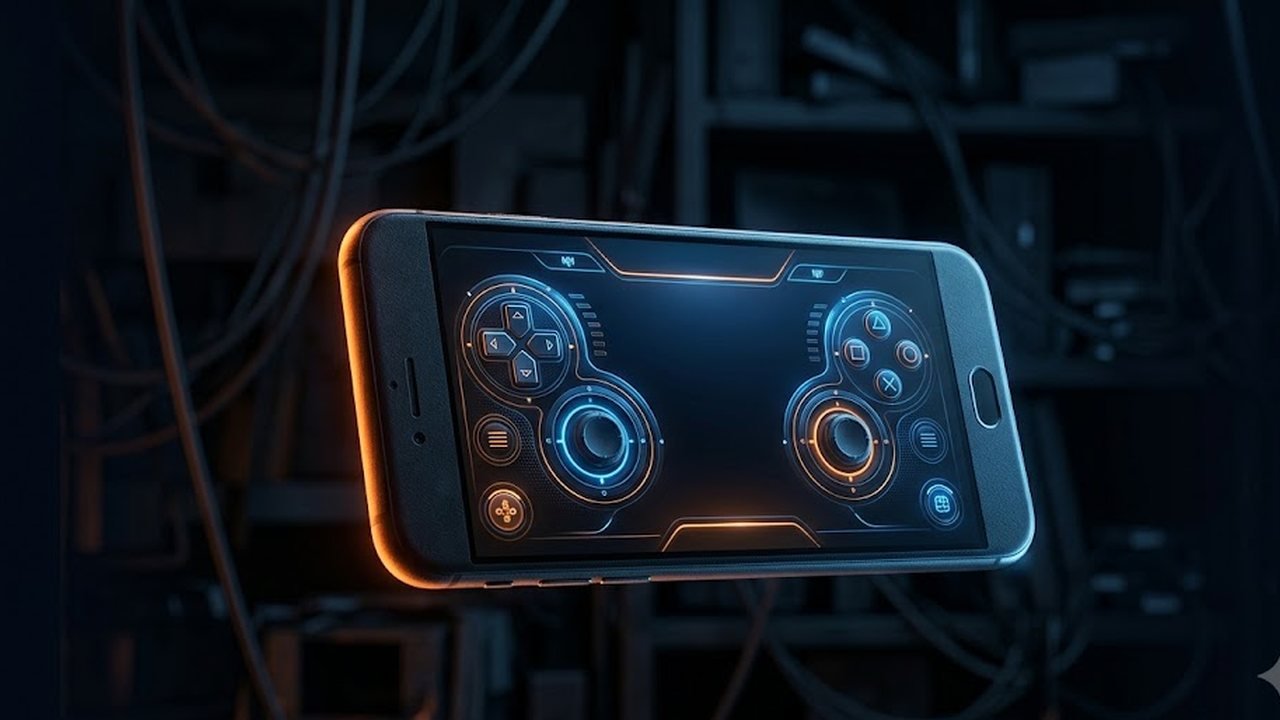
After the game starts, a block of buttons appears under the black screen. They are not a pretend keyboard: each button sends the emulator a real key event, pressed on touch and released when your finger leaves. The game cannot tell the difference.
The layout depends on genre, because genres ask for different things:
- Platformers and shooters: the d-pad plus Ctrl, Alt, Space and Esc — the combination most DOS games were built around.
- Cinematic platformers such as Prince of Persia: Shift joins the set, because without it the prince neither grabs a ledge nor draws his sword.
- Fighting games: the d-pad and six attack buttons, A S D and Z X C.
- Pinball: Shift and Space.
- Strategy, puzzles, breakout clones: no pad at all, mouse mode instead.
Mouse mode works like this: drag and the cursor follows, lift your finger and a left click lands at that point. Which leads to the one hard limit — there is no right button. In Dune II and SimCity 2000, where the right button cancels the current tool, you have to find the same command in the interface.
The Keyboard button stands apart. It opens the phone's system keyboard and forwards whatever you type into the game. Without it there is no way to enter a high-score name, an answer in a text game, or a cheat code in Doom.

What genuinely plays with a thumb
Platformers. The ideal case: a direction, a jump and a shot. Xargon, Commander Keen, Crystal Caves and Monster Bash ask exactly what any mobile platformer asks.
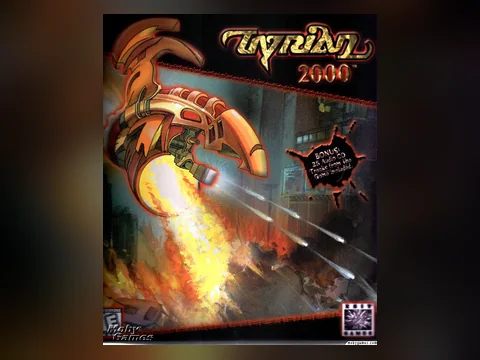
Shoot-em-ups. Tyrian 2000 and Raptor keep your thumb in one mode: steer and hold fire. There is almost no weapon juggling mid-level, and the shop between missions runs through menus.
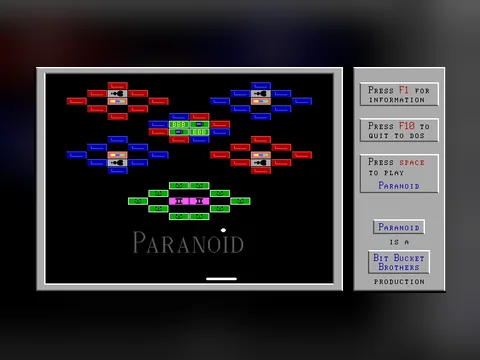
Breakout and pinball. Paranoid in mouse mode arguably plays better with a finger than with a mouse. Pinball fares worse: the pad carries a single Shift button, so you get one flipper instead of two — playable, but not as designed.
Turn-based artillery. Scorched Earth and Super Worms ask for no speed at all: set the angle, set the power, fire. This is the best genre for a phone on a train.
One-button arcade. Llamatron, Dangerous Dave and other short, sharp things survive a touchscreen without losses.
What not to start with on a phone
3D shooters with mouse look. Quake and Duke Nukem 3D assume a mouse and a keyboard together: one hand looks, the other walks. On a pad, turning is done with the d-pad, and that is slow. Doom is more forgiving, since it has no vertical aim at all, but it remains a desktop game — its controls are unpacked in the episode one guide.
Fighting games. Seven buttons on a palm-sized screen is not how special moves happen. Mortal Kombat on a phone becomes button roulette.
Strategy with a small interface. Civilization and Master of Orion drew their interfaces for 320×200 and a mouse. With a finger you will spend the evening missing menu entries rather than thinking about the turn.
Games with odd key layouts. Sopwith flies on comma, period and slash. Those keys are on the pad, but learning them on a phone takes longer than the game does.
Anything meant for a long campaign. Progress does not survive a page reload, and a phone reloads tabs on its own when memory runs short. The reason is in how these games run in a browser.
Why is the picture so small?
Because DOS games were drawn at a 4:3 ratio and you are holding the phone upright. In portrait the width of the screen is the limit, so the picture takes the top third and no more.
Two actions fix it: turn the phone sideways, then press Fullscreen. The button also asks the browser to lock the orientation to landscape, which usually works on Android.
On an iPhone, Safari does not always grant fullscreen to ordinary page elements, so the button may do nothing at all. Then it is down to turning the phone by hand and switching off auto-rotate so the screen stops flipping back.
One more thing that eats the picture: the browser's address bar. Scroll the page down by a couple of pixels and it collapses on its own, which gives the game back a visible strip of height.
Can I connect a keyboard or a gamepad?
A keyboard, yes. A Bluetooth keyboard sends the browser ordinary key events, which is exactly what the game is waiting for. Tap the black screen so input goes into the game, and from there it behaves like a desktop.
A gamepad, no. Gamepad support is not wired up in our player, and we are not going to pretend otherwise: a connected controller simply does nothing. You can confirm the pad itself is alive and visible to the browser with the gamepad tester, but that checks the device rather than giving you a way to play.
Headphones deserve a line too: browsers only start audio after you touch the page. If there is no music, tap the game screen once.

What usually goes wrong
Buttons respond, the character does not. Symptom: the pad lights up, nothing happens in the game. Cause: the game wants a different key — a menu asking for Enter while you press Space, for instance. Fix: open Keyboard and press the key you need from the system layout.
Thumbs miss the d-pad. Symptom: the character jerks the wrong way, especially on diagonals. Cause: the touch lands on the seam between two buttons. Fix: hold the phone in landscape, where the buttons are larger and the thumb zone is wider.
The game restarts by itself. Symptom: the tab reloaded and the game began again. Cause: the phone dropped the tab from memory while you answered a message. Fix: stay in the tab mid-level, and leave heavy titles to a computer.
The first launch ate the data plan. Symptom: forty megabytes over mobile. Cause: the archive size is printed on the page, but rarely read before the button is pressed. Fix: check that line, and start heavy games on Wi-Fi.
The phone heats up and drains. Symptom: a warm case and a visible battery drop after twenty minutes. Cause: the emulator holds the processor continuously; this is not a background task. Fix: short sessions and lighter games — a platformer costs far less than a 3D shooter.
Where to start on a phone
A sensible first run: Xargon to test the pad, Tyrian 2000 to see how a ship steers under a thumb, Paranoid to try mouse mode. If that leaves you wanting something longer and keyboard-shaped, the genre rundown is in the best old DOS games, and when nothing appeals, the random game picker will decide for you.
FAQ
Do I need an app to play on a phone?
No, everything runs in a browser tab. The on-screen buttons are drawn by the page itself once the game starts, and there is no separate emulator to install.
Why do the buttons appear late?
The pad is built after the emulator has come up and the game has started; before that there is nothing to press. If the game runs but no buttons appear, reload the page and start it again.
How do I type a cheat code or a name without a keyboard?
The pad has a Keyboard button that opens your phone's system keyboard, and the characters go straight into the game. That is how you enter codes, high-score names and answers in text games.
Does the right mouse button work on touch?
No. A tap is translated into a left click, and our player has no right button. In strategy games and puzzles where the right button cancels a tool or opens a menu, that is a real limitation — look for the same command in the interface or on Esc.
How much data does one game use?
As much as its archive weighs: between one and forty megabytes, printed on the game page before you press anything, plus about two megabytes for the emulator. After that everything comes from the browser cache.