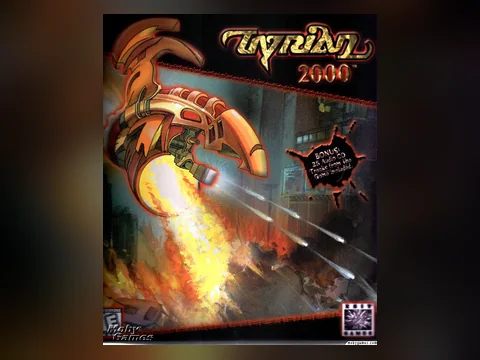
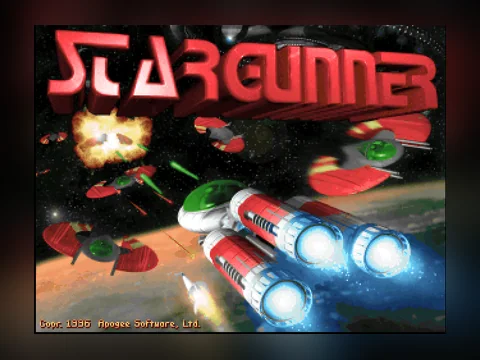
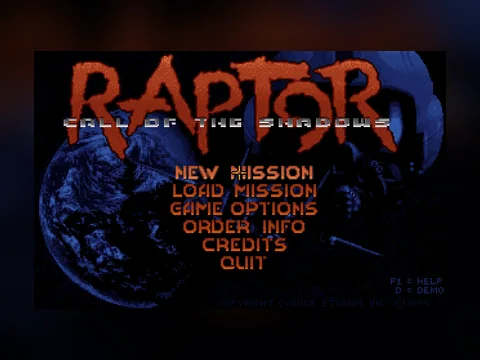







What this section is
Old MS-DOS games run right on the page here. There is nothing to download, no emulator to install and no account to make: press "Play in browser", the game loads once and then sits in your cache. It works on a computer and on a phone.
What runs it
The engine is js-dos — DOSBox compiled to WebAssembly. Everything happens in your browser: the emulator, the game files and the saves. No game runs on our server, and nothing you do inside reaches us. Saves live in this browser on this device — a different browser or a cleared cache means starting over.
Playing on a phone
DOS games were built for a keyboard and a mouse, so on a touch screen we add the controls. Keyboard games get a d-pad and action buttons under the screen, and presses go straight into the emulator exactly like a real keyboard. In strategy games and puzzles that need a mouse, your finger is the cursor: drag to move it, tap to click. The "Keyboard" button opens the phone keyboard when a game asks for a name or a code. "Fullscreen" enlarges the picture and asks to turn the phone sideways — DOS games are 4:3 and look half the size in portrait.
Why you can play these here
Much of this section is shareware and freeware: releases the publishers themselves put into free circulation. Shareware was how these games were sold in the nineties — the first episode was handed out for anyone to copy, and copying it was the point. The files come from the software library of the Internet Archive. Nothing here is a cracked copy: the emulator runs the original files as they shipped. If you hold the rights to a game and want it gone, write to us — it is removed on the first email, see the rights holders page.
What usually goes wrong
- Black screen after pressing Play. Reload the page — the emulator sometimes fails to come up on the very first run and works on the second.
- Slow loading. The first launch pulls between one and forty megabytes depending on the game; the size is written on each game page. After that it comes from cache.
- No sound. Browsers only start audio after a click on the page — that is their rule, not ours. Click the game screen.
- The keyboard scrolls the page instead of playing. Click inside the black screen so input goes into the game.
- Nothing runs at all. Some corporate and school networks block WebAssembly, and then no game will start.
FAQ
Do I need to download or install anything?
No. The game runs in a browser tab. Close the tab and nothing is left on the device except the browser cache.
Is it free and without registration?
Completely. No account, no time limit.
Does it work on a phone?
Yes. Keyboard games get on-screen buttons, mouse games use your finger as the cursor. Landscape is more comfortable — the fullscreen button asks to turn the phone for you.
Will my saves survive?
They live in this browser on this device. Another browser, or a cleared cache, will not carry the progress over.
Why is a game slow?
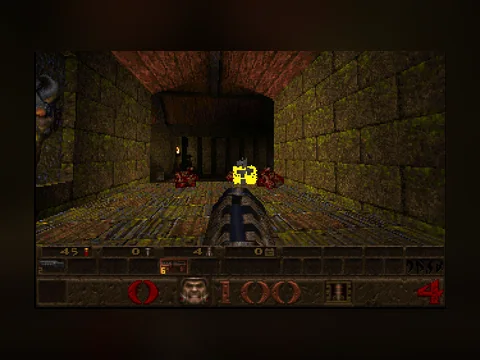
The emulator runs on the tab's CPU. Closing other tabs and going fullscreen helps. On weak phones heavy games like Quake run slower than light platformers.