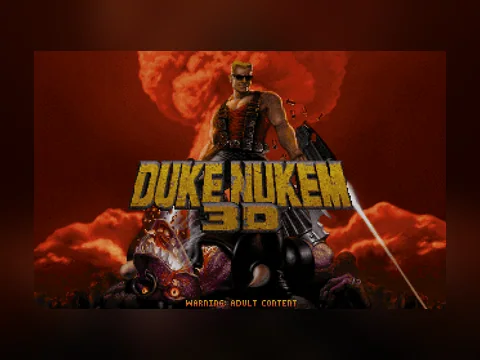
About the game
A shooter where the level itself is the joke: working toilets, pool tables, cinemas, mirrors, and a hero who comments on all of it out loud.
Built on the Build engine, which let 3D Realms make rooms that actually looked like places rather than corridors.
Controls
- Arrows — move
- Ctrl — fire
- Space — use
- Alt — strafe
- 1…0 — weapons
The version in short
- Year: 1996
- Genre: First-person shooter
- Size: 15.4 MB, loaded once
- Controls: keyboard, or on-screen buttons on a phone
How this runs
The game runs through a DOS emulator inside your browser: the emulator, the files and your saves all stay on your device and nothing reaches our server. The emulator, the licensing and what to do about a black screen are explained on the retro games section page.
FAQ
Is this the actual 1996 release?
Yes, these are the original Duke Nukem 3D files, not a remake or a port. The emulator runs them the way they ran on a machine of that time.
How big is it and what loads?
The game archive is 15.4 MB plus about two megabytes of emulator. It loads once — after that the browser keeps the files cached and the next launch is instant. On mobile data, do the first launch on Wi-Fi.
Can I play on a phone?
Yes. On-screen buttons appear under the screen: a d-pad and actions (Ctrl, Alt, Space, Esc). Presses go straight into the emulator, exactly like a real keyboard.
Are my saves kept?
They are, but only in this browser on this device — they are written inside the emulator. A different browser or a cleared cache means starting over.