About the game
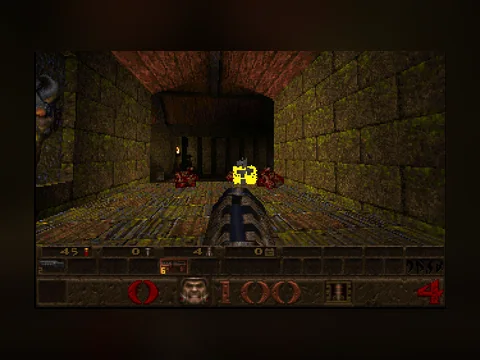
The first shooter where the world was truly three-dimensional: not flat sprites at different heights, but real rooms above rooms, sloped floors and a mouse that looked up and down. id Software built it on a new engine, and every multiplayer shooter that followed borrowed something from it.
This is the shareware release — the first episode, Dimension of the Doomed, which was handed out for free copying. Trent Reznor of Nine Inch Nails did the soundtrack and the sound design.
Controls
- W A S D — move
- Mouse — look
- Left mouse — fire
- Space — jump
- 1…8 — weapons
- Esc — menu
The version in short
- Year: 1996
- Genre: First-person shooter
- Size: 8.6 MB, loaded once
- Controls: keyboard, or on-screen buttons on a phone
How this runs
The game runs through a DOS emulator inside your browser: the emulator, the files and your saves all stay on your device and nothing reaches our server. The emulator, the licensing and what to do about a black screen are explained on the retro games section page.
FAQ
Is this the actual 1996 release?
Yes, these are the original Quake files, not a remake or a port. The emulator runs them the way they ran on a machine of that time.
How big is it and what loads?
The game archive is 8.6 MB plus about two megabytes of emulator. It loads once — after that the browser keeps the files cached and the next launch is instant.
Can I play on a phone?
Yes. On-screen buttons appear under the screen: a d-pad and actions (Ctrl, Alt, Space, Esc). Presses go straight into the emulator, exactly like a real keyboard.
Are my saves kept?
They are, but only in this browser on this device — they are written inside the emulator. A different browser or a cleared cache means starting over.