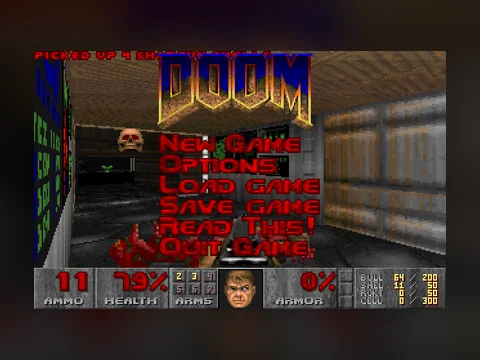
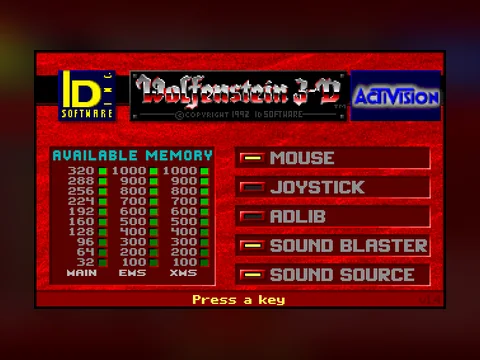
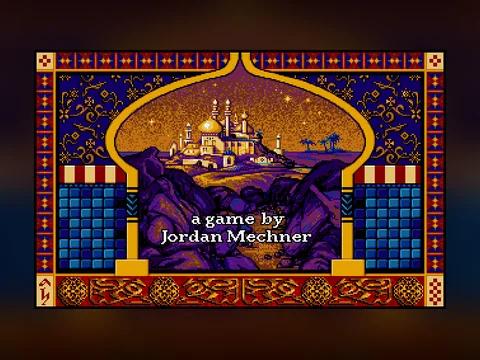
An old game runs in a browser not because someone rewrote it in JavaScript, but because an emulator runs next to it: DOSBox compiled to WebAssembly. It pretends to be an x86 processor, a sound card and DOS itself, while the game stays the same file it was in the early nineties. There is nothing to install, because that whole machine arrives in the tab as a couple of megabytes of code and lives as long as the tab does.
The shortest way in is the retro games section: the only button you need is the one that says Play in browser.
On this page
Short answer
- A DOSBox build compiled to WebAssembly (the js-dos project) runs inside the page. Everything is computed in your browser; no game runs on our server.
- The first launch pulls the emulator core, around 2 MB, plus the game archive, between 1 and 40 MB. The size is printed on every game page; after that the files come from cache.
- The keyboard only goes into the game after you click the black screen, and sound only starts after a click. That is a browser rule.
- Saves are written into the emulator file system, which lives in the memory of the tab. Reload the page and you start the level again.
- A black screen after pressing Play is almost always fixed by reloading the page: the core sometimes fails to come up on the first try.
What happens after you press Play
The order is always the same, and knowing it saves time when something goes wrong.
- The emulator core loads. Before the button is pressed it is not on the page at all — pushing two megabytes of wasm at everyone who merely opened an article would be rude. That is why the button goes dead for a second.
- The game archive downloads. It is an ordinary zip with the original files: the executable, the resources, the config. Nothing is unpacked to disk; the archive is expanded into the memory of the tab.
- The emulator boots the machine. A 4:3 black screen appears, and inside it a command changes into the game folder and starts the executable — exactly what you would have typed at a DOS prompt.
- Input hands over to the game. After a click on the screen, key presses stop scrolling the page and go into the emulator instead.
Why there is nothing to install
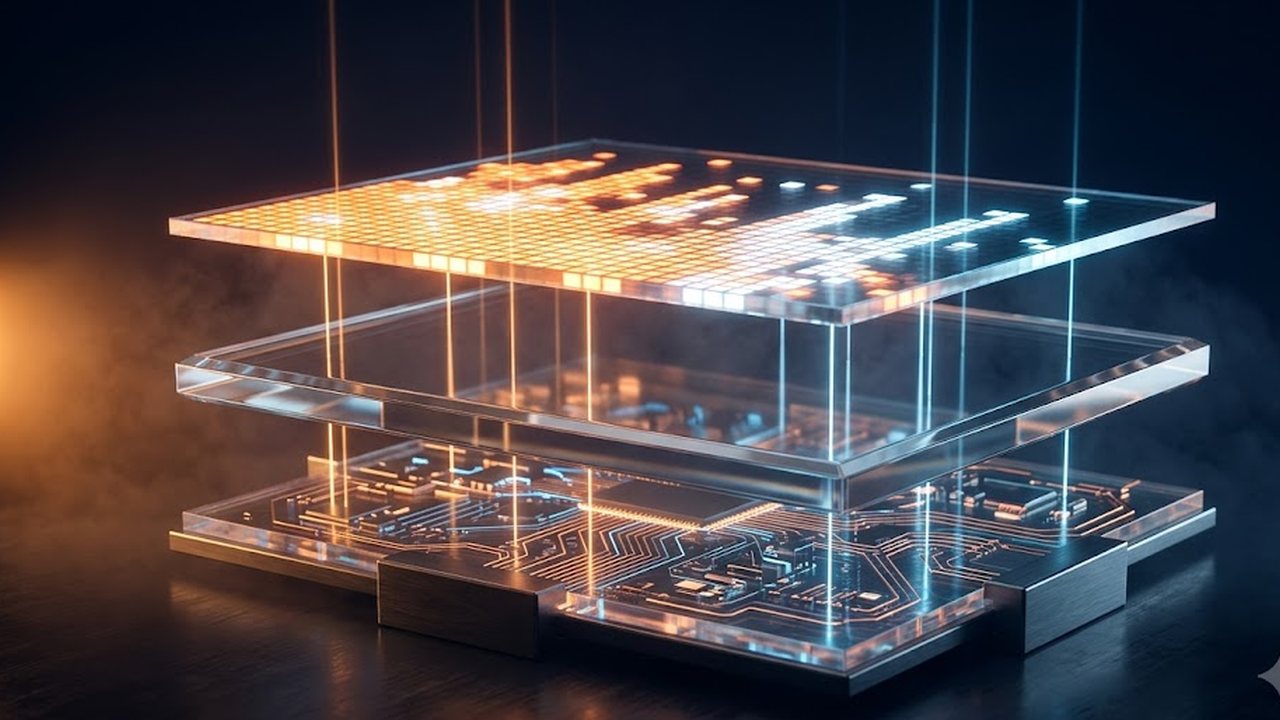
DOSBox has been around since 2002 and ships under the GPL. Normally you install it as a program: it emulates an x86 processor, memory, video modes from CGA to VESA, and sound hardware such as Sound Blaster and AdLib, well enough that the game needs neither real DOS nor real hardware.
WebAssembly added one thing to that picture — the ability to take the same C++ code and compile it into a format the browser executes directly. The js-dos project does exactly this: it packs DOSBox and DOSBox-X cores into wasm and gives them the browser's screen, keyboard and audio.
Every other property follows from that. Nothing to install, because the program arrives as part of the page. No admin rights needed. The operating system stops mattering: Windows, macOS, Linux, Android — the browser executes the code, not the system.
And the main limitation follows from it too: your tab's processor does all the work. Something heavy like Quake will run slower on a weak machine than a platformer from 1991, and no page setting changes that.
How much it weighs, and why the second launch is instant
There are two numbers. The emulator core is around two megabytes and is shared by every game. The archive differs per title: Wolfenstein 3D fits into a megabyte and a half, DOOM is about four, Quake is nine.
The exact size is printed on the game page before you press anything. On mobile data that line is worth reading first.
Then caching takes over. The browser keeps downloaded files in its own storage — in the player code it is literally named js-dos-cache — so the next visit starts almost immediately. Clearing site data or using a private window empties that cache and everything downloads again.
Why does a save disappear after a page reload?
Because the emulator's file system is expanded into the tab's memory rather than into persistent browser storage. We checked this in the player code: the archive is mounted at the root, and persistence is not switched on for it.
The practical consequence is short.
Saving inside the game works for as long as the tab stays open. After a refresh the game is rebuilt from the archive and the old save is gone.
The same goes for anything the game writes into its own config: volume, mouse sensitivity, rebound keys. While the tab lives, they hold; after a reload the factory state is back.
What to do about it: finish an episode in one sitting, keep the tab open between sessions, and resist the reflex to hit F5. Long campaigns such as Civilization are honestly an evening in the browser, not a month-long save file. Newer js-dos versions added persistent storage through OPFS, but the build we run does not have it, so we are not going to promise your progress will survive.
Will this run on a weak laptop or a phone?
It will, with differences. The emulator spends your processor's cycles simulating a DOS machine's cycles, and the price depends on the game: a 2D platformer costs almost nothing, a 1996 shooter costs a lot.
What actually helps, strongest first:
- Close other tabs. The emulator shares the processor with them rather than living apart.
- Go fullscreen. The picture gets the whole area and the browser does less scaling work.
- Pick a lighter game. Prince of Persia and Dune II run where Quake already stumbles.
- Do not keep two games open. Two emulators in two tabs are two processor loads.
Phones are a separate story, and the issue there is control rather than speed. What the on-screen pad looks like and which genres survive a thumb is covered in the guide on retro games on a phone.
What usually goes wrong
A black screen that never turns into a picture. Symptom: the button was pressed, the screen appeared, nothing else. Cause: the core sometimes fails to initialise on the very first run, especially if the page was opened and the button hit immediately. Fix: reload the page and press again — the second attempt normally works.
Keys scroll the page instead of playing. Symptom: arrows scroll the text, space jumps down the article. Cause: focus stayed on the page. Fix: click inside the black screen, after which input goes to the emulator.
No sound until the first click. Symptom: the picture runs, the music does not. Cause: browsers refuse to start audio before the user has clicked on the page. Fix: click the game screen, and if it is still silent, check whether the tab itself is muted.
No game in the section starts. Symptom: the button responds but the emulator never loads, in any game. Cause: WebAssembly is blocked by the network or the browser — common on corporate and school networks and with a few blocker extensions. Fix: try another browser or another network; this one cannot be solved on our side.
Stuttering on a laptop. Symptom: audio crackles, the picture jerks. Cause: the tab's processor is busy elsewhere, or the game is heavier than the machine. Fix: close other tabs, go fullscreen, choose a lighter title.
The feeling that saving is broken. Symptom: a save existed, then the page was reloaded and it was gone. Cause: the emulator file system lives in tab memory. Fix: do not reload mid-run, and pick games that finish in one sitting.
Where to start
If the section is new to you, a sensible route is DOOM first, to confirm that everything loads and the keyboard went into the game, then Dune II to see how a mouse-driven title behaves, then whatever looks interesting. When nothing looks interesting, the random game picker will choose, and the genre-by-genre rundown lives in the best old DOS games. Why all of this is free and legal in the first place is a separate story, told in the piece on how shareware worked.
FAQ
Do I need to download anything or install an emulator?
No. The emulator is code on the page. It loads when you press the button and runs inside the tab. Close the tab and nothing stays on the machine except the browser cache.
Why is the first launch slow and the second one instant?
The first time, the browser pulls the emulator core (about two megabytes) and the game archive, which is between one and forty megabytes depending on the title. After that both sit in browser storage called js-dos-cache.
Do saves survive a page reload?
In our player they do not. The emulator file system is unpacked into the memory of the tab, so after a refresh the game is rebuilt from the archive. Save inside the game and finish an episode in one sitting.
Is this legal?
Yes. The section holds shareware and freeware releases that publishers put into free circulation themselves, plus publisher demos. Nothing here is a cracked copy of a paid game, and the files come from the Internet Archive software library.
Nothing happens when I press the button. What is that?
Usually WebAssembly is blocked — some corporate and school networks are set up that way, and so are a few blocker extensions. The test is simple: if no game in the section starts, the problem is not the game.