How to use
- Type the width and height in blocks. The same number twice gives a circle, two different numbers give an oval.
- Pick a style: thin outline, thick outline or filled disc.
- Move the zoom slider until one square is easy to count. The two pale lines mark the centre row and the centre column.
- Read the counters under the grid: blocks for the chosen style and blocks inside the whole shape.
- Press Download PNG and keep the plan open on a phone or a second screen while you build.
Odd or even diameter
An odd diameter (15, 21, 31) has one centre block. Put a torch or a fence post on it and count outward along the pale centre lines.An even diameter (16, 32, 64) has no centre block: the centre falls on the corner where four blocks meet. That suits a 2×2 pillar or a big tree in the middle. If you want a single block in the middle, add one to the diameter.
How many blocks a circle takes
The counts below come from the same drawing the generator makes. Diameter is counted in blocks, edge to edge.| Diameter | Thin outline | Thick outline | Filled |
|---|---|---|---|
| 15 | 40 | 56 | 177 |
| 21 | 56 | 80 | 349 |
| 31 | 84 | 120 | 749 |
| 50 | 140 | 196 | 1,976 |
| 64 | 180 | 252 | 3,228 |
| 100 | 280 | 396 | 7,860 |
A filled disc of 100 blocks is 7,860 blocks, about 123 stacks, or four and a half shulker boxes. The thin outline of the same circle is only 280 blocks, less than five stacks.
Thin or thick outline
On a thin outline the blocks at every step touch only by their corners: a circle of 15 has 16 such joints, a circle of 31 has 36. For a floor pattern or a path this is fine.For a wall or a tower, pick the thick outline. It adds a block at each step, so every block shares a side with the next one and the wall looks solid from inside and outside. It costs more: 56 blocks instead of 40 for a circle of 15.
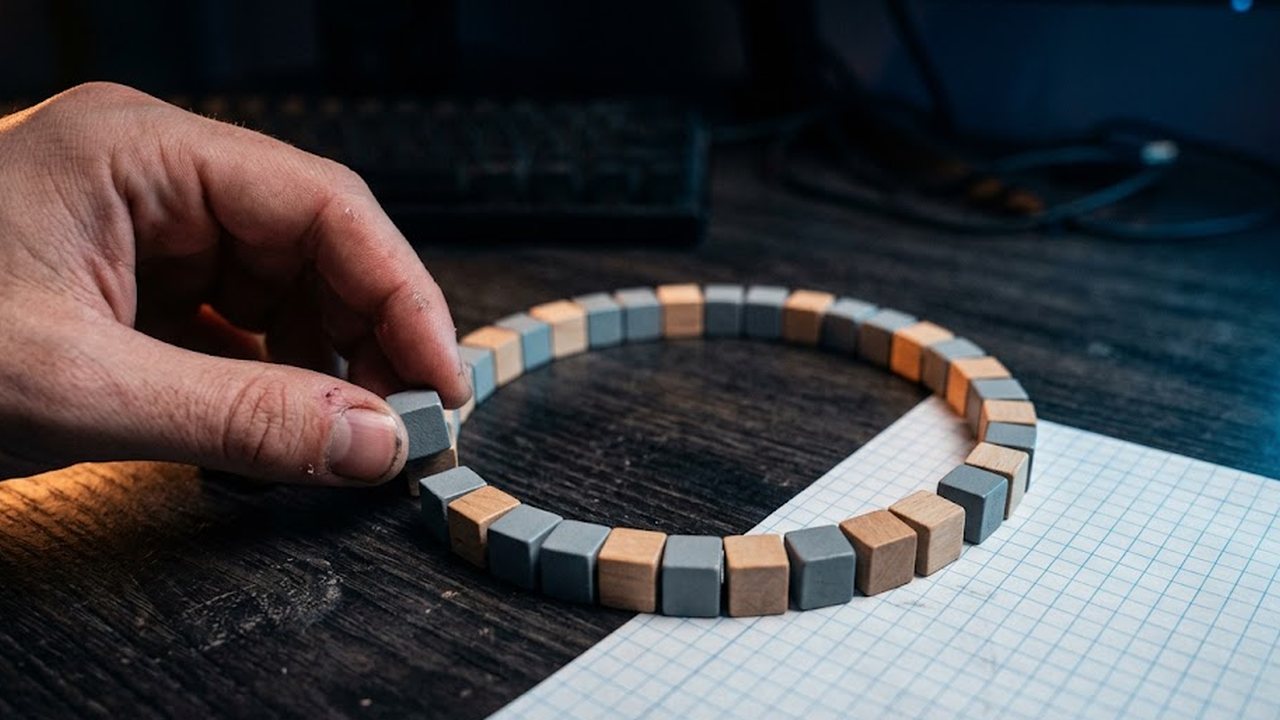
Building it without losing count
- Mark the centre block (or the centre corner for an even diameter).
- Lay the four ends of the centre lines first: north, south, east and west. On the plan these are the flat runs of blocks where the circle crosses the pale lines.
- Build one quarter between two of those points, row by row, counting from the centre line.
- The other three quarters are the same quarter mirrored. For a circle, the eighth between the flat run and the diagonal repeats too.
What usually goes wrong
- The circle comes out one block too wide. Cause: the diameter was counted as the gap between two walls. Here the diameter includes both edge blocks.
- The quarters do not meet. Cause: building started from a random point on the edge. Lay the four points on the centre lines first, then fill between them.
- No block sits in the exact middle. The diameter is even. Add or remove one block.
- The ring is uneven on a hill. Lay the plan as a single flat layer first, even a temporary one out of dirt, then build walls up from it.
- You need a dome or a sphere. This tool draws one layer at a time. A dome is a stack of circles that shrink toward the top; it does not calculate those layers for you.
FAQ
Does it work for Java and Bedrock?
Yes. The plan is only about where to put blocks, and blocks sit on the same grid in both editions.
What is the largest circle I can draw?
Up to 200 blocks in width and height. The counters work at any size.
Can I make an oval?
Yes. Type different numbers for width and height.
Why does a small circle look like an octagon?
Below about 9 blocks there are too few squares to show a curve. A circle of 7 is only 16 blocks around. That is the block grid, not a bug.
Is anything sent to a server?
No. The grid is drawn in your browser, and the PNG is made there too.