How to use
- Do a normal run first (relaxed hand, one finger) so you have a baseline CPS to compare against.
- Set the duration — 5 s or 10 s is realistic for jitter; longer runs mostly measure how fast your arm tires.
- Tense the forearm, keep the wrist slightly raised, let the finger vibrate on the button and click inside the pad — the first click starts the timer.
- Compare the CPS with your baseline and check the rank. Try again after a short rest; the best score is kept for the session.
What jitter clicking is
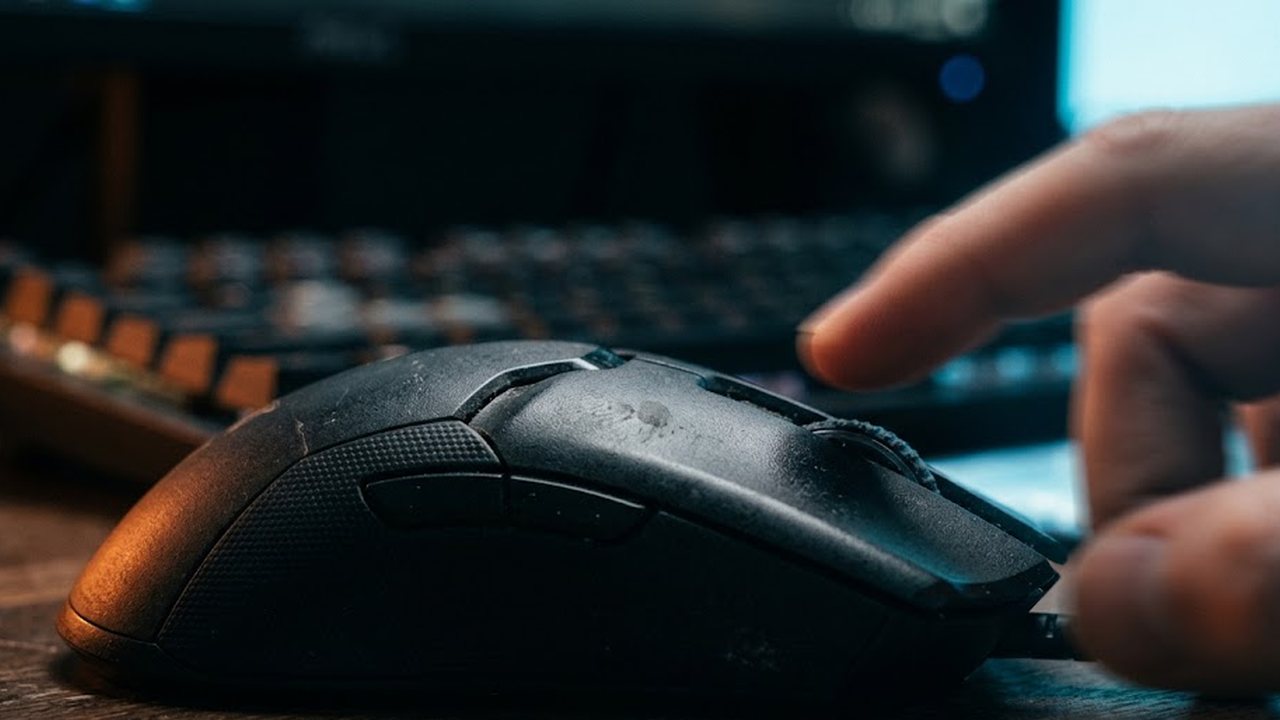
Jitter clicking is a way of clicking faster by tensing the muscles of the forearm and wrist until the hand shakes, then letting that shake drive the finger on the mouse button. You are not "pressing" the button in the usual sense; the vibration does the pressing, and your job is to keep the finger in contact and the tension steady. It came out of Minecraft PvP, where each click is a hit and a higher click rate means more hits landing during a combo.
The technique produces a very fast, slightly irregular click stream — which is exactly what the test measures. By the data on cps-check.com, jitter clicking reaches 12–20 CPS at most, compared with 5–8 CPS for regular clicking and up to about 30 CPS for butterfly clicking. Most people who try it for the first time get 8–12 CPS; a stable 14+ takes practice.
How the test counts
The pad registers pointerdown events — each time the button goes down — and divides the total by the chosen duration. The clock is performance.now(), precise to fractions of a millisecond; the run ends exactly at the chosen time. Because jitter produces uneven bursts, the live CPS number will jump around during the run; only the final number, total clicks over total time, is the one to quote.
Tip: a jitter that is too light often fails to move the switch through its full travel, so the mouse registers fewer clicks than your finger feels. If the number is lower than expected, that is usually why — not a bug in the counter.
Technique, step by step
- Grip. Claw or fingertip grip works best; the palm should barely touch the mouse so the vibration is not damped.
- Tension. Tense the forearm as if you were about to arm-wrestle. The hand starts to tremble on its own.
- Contact. Rest the fingertip on the button, don't lift it. Angle the finger so the tremor moves it up and down, not sideways.
- Bursts. Hold the tension for 3–5 seconds, relax, repeat. Nobody jitters for a full minute.
- Aim. The whole hand shakes, so the cursor shakes too. In a real game you need to learn to jitter and track a target at the same time — practise on the aim trainer with the same tension.
Honest note: risks for the wrist and hand
Jitter clicking works by loading tendons and forearm muscles with sustained tension, and that is the part to take seriously. Many players report cramping, tingling or a sore wrist after longer sessions, and a habit of tensing the forearm for hours is a plausible route to repetitive-strain problems. We do not have clinical data specific to jitter clicking and won't pretend otherwise; the common-sense rules are these:
- Stop immediately if you feel numbness, tingling or sharp pain — those are nerve and tendon signals, not "the burn".
- Limit jitter to short bursts inside fights and short test rounds; use normal or butterfly clicking the rest of the time.
- Keep the wrist neutral, not bent up over a desk edge, and take breaks every 20–30 minutes of play.
- Under 16 and growing? Prefer butterfly clicking — it reaches similar CPS with a relaxed hand.
On the rules side: jitter clicking is a physical technique and is not automation. Hypixel's rules ban anything that automates a gameplay action — auto/burst clicking buttons and macros — and do not name jitter. Anti-cheat still watches click patterns; jitter is naturally irregular, which is why it rarely triggers false positives compared with a metronome-even autoclicker.
What makes our jitter test different
- No ads on the pad — nothing to knock your vibrating cursor off target.
- Precise timing with
performance.now()andpointerdown; fast bursts are not lost to click-event delay. - Seven durations from 1 to 100 s, live CPS, rank, best score for the session and a text share.
- Same engine as the normal CPS, Kohi and butterfly tests, so you can compare techniques on equal terms.
Privacy: everything is computed in your browser. Clicks and results are not sent to any server, and nothing is stored beyond the current tab.
FAQ
What CPS should jitter clicking give?
By the data on cps-check.com, jitter clicking maxes out around 12–20 CPS. First attempts usually land at 8–12; a steady 14+ takes weeks of short practice sessions.
Is jitter clicking bad for your hand?
It relies on sustained forearm tension, and players commonly report cramps and wrist soreness. There is no clinical study specific to it that we could cite, so treat it like any repetitive strain: short bursts, neutral wrist, stop at any tingling or pain.
Jitter or butterfly — which is better?
Butterfly usually gives a higher and more stable CPS with less strain, but it depends on a mouse that registers two fast alternating presses cleanly. Jitter works on any mouse and with one finger. Try both here — the timer is the same.
Is jitter clicking allowed on Hypixel?
It is a physical technique, not automation, and is not named in Hypixel's rules. Autoclickers, burst-click buttons and macros are explicitly disallowed.
Why does the live CPS jump around?
Because jitter is bursty. The live number is a running rate; the final result is total clicks divided by the full duration, which is the figure to compare.
My mouse counts fewer clicks than I feel — why?
A light jitter may not push the switch through its full travel. Press slightly harder or angle the finger so the tremor moves straight down onto the button.